 ScreenNest
SCREEN RECORDER FOR CHROME
A clear recording.
On your terms.
Capture a walkthrough, explain an idea, or show what happens on your screen. Keep the recording on your device.
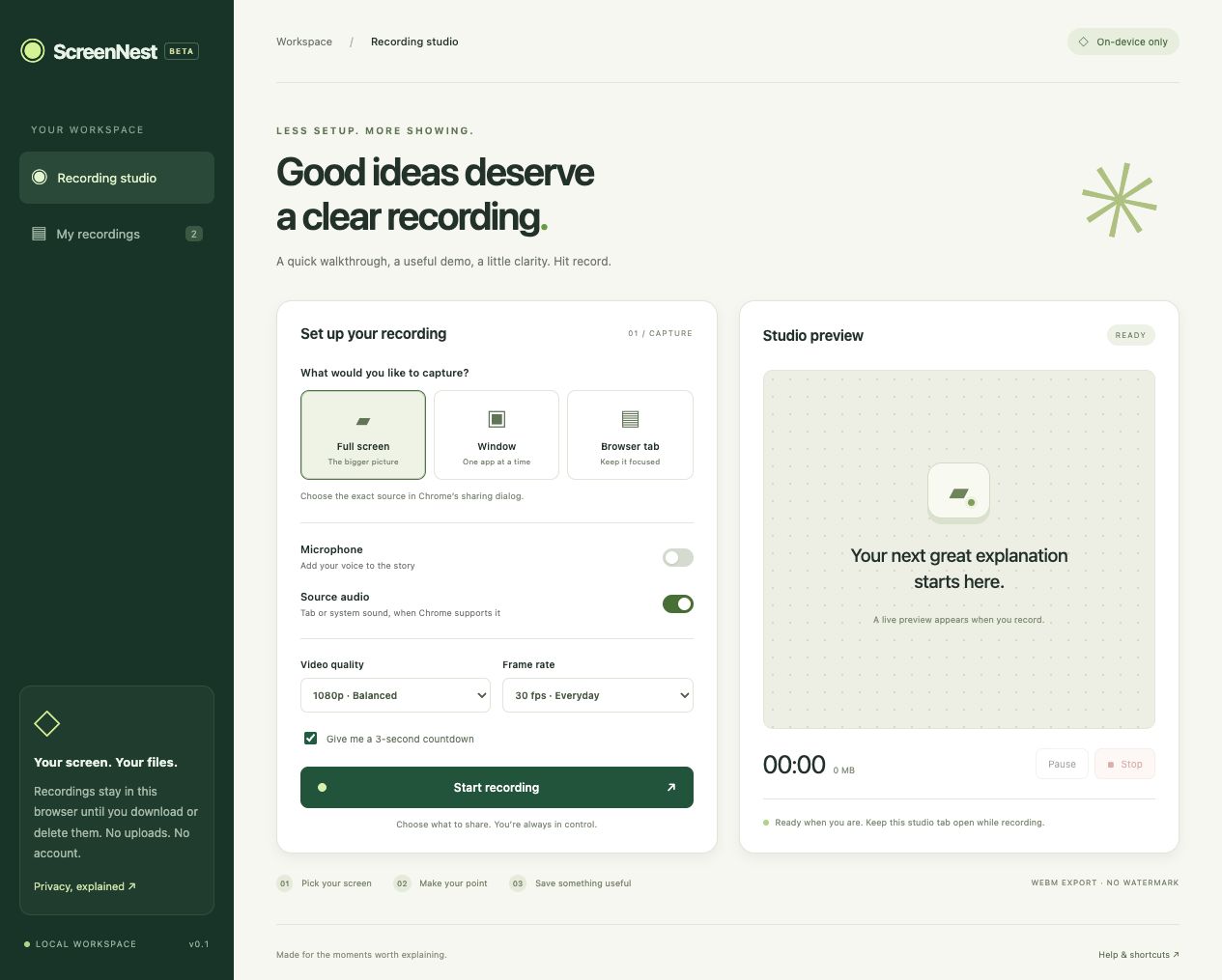
Choose your view
Record a full screen, an application window, or a browser tab using Chrome’s sharing dialog.
Make yourself heard
Add your microphone and source audio when supported. Pause, resume, and record at your pace.
Keep your own copy
Preview and download WebM recordings from your local library. No account, uploads, or watermark.
Keep the recorder tab open during capture. Source audio varies by operating system and capture choice. Each recording is limited to 60 minutes or approximately 512 MB. Download important recordings before removing the extension or clearing browser data.